
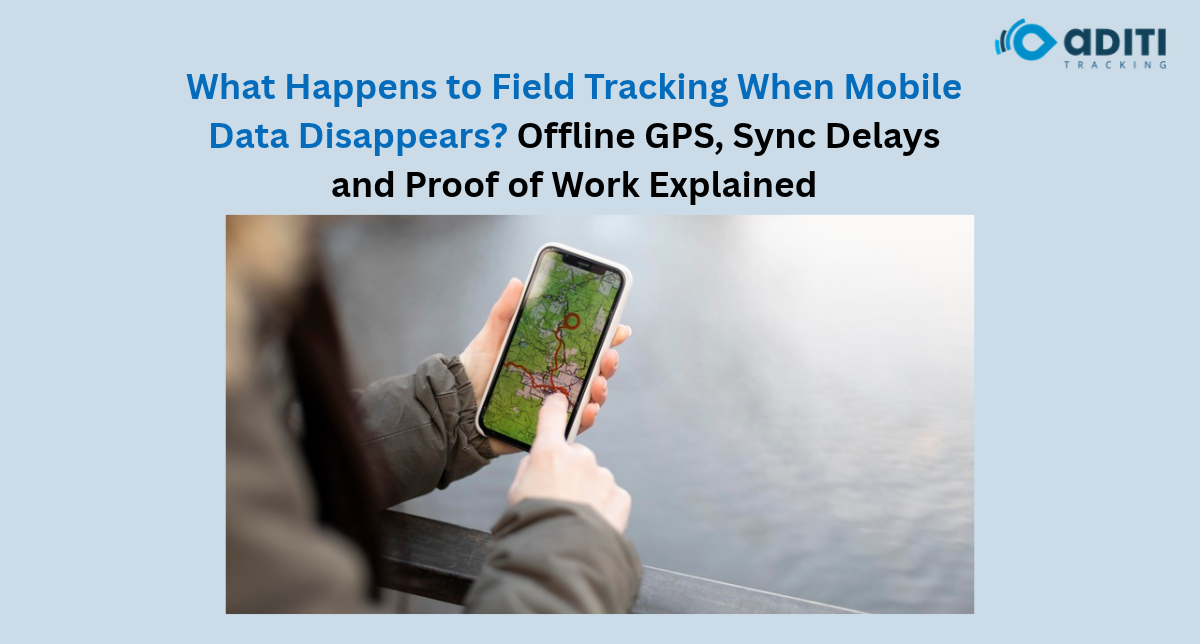
A field worker goes to the customer’s location and finishes the job. He tries to update the task status but he has no internet on his phone.
He completed the job but your manager doesn’t know that.
If you run a business that deals with field workers this can be frustrating. If there is no network you won’t be able to get location updates, task updates or talk to your employees.
You can use a field employee tracking app to keep track of all these things. But what if there is no internet? Well it all comes down to your app.
Will GPS tracking work without internet?
There is a difference between GPS and mobile data. GPS works using signals from satellites. It allows you to pinpoint the location of your device.
Internet allows you to send that location information to your device or manager. So your phone can still pick up GPS information if there is no internet. As long as your device can pick up satellite signals.
But as mentioned earlier there is a difference between your phone having GPS information and sending that information to someone.
- Your phone can have GPS information.
- Your phone can send that information over the internet.
- If your manager has internet they can view the live location of your employees.
- If your app supports offline tracking it can store those records on the device.
GPS information may not be accurate if your inside of a building or under ground.
What about field activities when there is no internet?
Lets say a worker visits 3 customers during the day. On his first stop he has internet and completes the job. On his second stop he has no internet.
If your app supports offline mode your employees can still:
- Complete jobs
- Note information about the customer
- Add time stamps to field activities
- Record GPS information (if possible)
- Have a record stored on the device
These records will stay on the device until there is an internet connection.
If your app does not support offline mode your employees will not be able to update information or submit anything.
Make sure your field employee tracking app has these features before you start using it.
What about when your field workers have sync delays?
A sync delay will happen if your employees have recorded information on their device and it takes time to send that information to you.
For example if an employee visited a customer at 2:15 pm and gained internet access at 3:00 pm. Their record would be sent to you at 3:00pm.
Even though they visited the customer at 2:15pm you wouldn’t know until 3:00pm.
You should use a field employee tracking app that will show you this information. If it doesn’t then you could believe your employee took longer than they actually did.
Why should I care about my employees having sync delays?
There are many reasons why you should care about your employees having sync delays.
- They may cause problems when assigning tasks to your employees.
- They may not have the most recent information about customers.
- It can mess with attendance.
- They can cause bad reviews on employees.
- You may not have the most recent data to show your day.
Just because an employee has a delay doesn’t mean they didn’t do there job.
Can my employees provide proof of work without internet?
Proof of work can be any information that can be used to verify that someone did their job. This could be something as simple as them visiting a customer.
Depending on your app you may be able to provide:
- GPS check in points
- Time stamps
- Photos of completed work
- Information from the customer
If your app allows for offline tracking your employees can provide some of this information.
Just because your employee has GPS information doesn’t mean they completed the job properly. You may want to collect more proof of work from your employees.
How can I avoid my employees having poor connectivity?
You should never expect your employees to always have internet when working in the field.
You can avoid this problem by making sure your employees know what they can and can’t do when there is no internet.
Make sure your employees have proper time stamps on their tasks. Let your employees know what to do when they can’t update you. And always double check if your employees have updated you.
Also test out your field employee tracking app in the areas that your employees work in.
What do I need to know about field tracking?
As a manager you need to have a reliable source of information when it comes to your employees in the field. They need to know that your employees visited customers and completed jobs.
At Aditi Tracking we offer ClickTask as one of our many business solutions. If you want to learn more about our field employee tracking app contact us today.
Frequently Asked Questions
1. Can GPS work without mobile internet?
Yes. A smartphone can receive GPS satellite signals without mobile data, although sharing location information usually requires connectivity.
2. Will offline employee locations automatically sync later?
Only if the tracking application supports offline storage and later synchronisation. This should be confirmed with the provider.
3. Can managers track employees’ lives without the internet?
Usually, no. Live dashboard updates generally require the device to transmit data through an available connection.
4. Can field employees save proof of work offline?
Some applications support offline notes, photographs, timestamps and task records. Available features depend on the software.
5. Why is the activity timestamp important?
It helps managers distinguish when work actually happened from when the information reached the system, reducing confusion caused by delayed uploads.



 Smart Fleet
 Cool Bus
 Clicktask
 CommutePulse
 Wastetrail