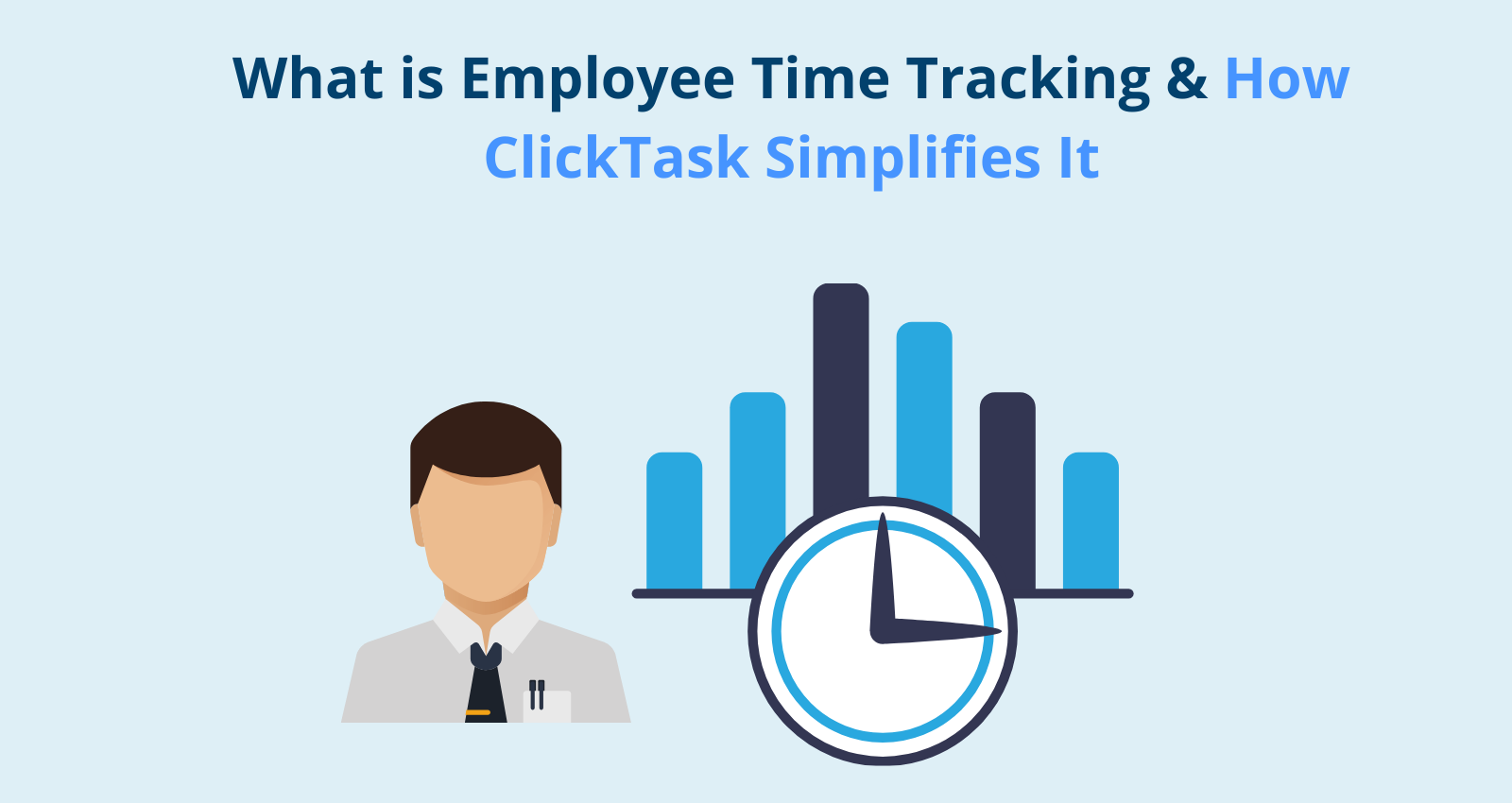
Employee time tracking is the process of recording when staff start, stop, and pause work, so businesses can see actual hours worked rather than estimated ones. Manual methods like punch cards are error-prone and easy to manipulate; software like ClickTask automates the process using app, desktop, or biometric clock-ins, and ties logged hours to specific projects, tasks, and clients, turning attendance data into something managers can actually act on.
Introduction
Most businesses don’t actually know where their team’s hours go. Not because anyone’s hiding it, payroll gets processed, timesheets get filled, and everyone assumes it’s roughly accurate. It usually isn’t. A punch card or a manually filled spreadsheet tells you when someone clocked in, not what they actually spent the day doing, and that gap is where most inefficiency quietly lives.
At Aditi Tracking, we kept running into fleet and field-service clients who had solved vehicle tracking but were still managing their office and field staff hours on paper or spreadsheets. That’s the gap ClickTask was built for, a way to track time that actually tells you something, instead of just logging it.
What Employee Time Tracking Actually Means
Time tracking, at its simplest, is recording when someone starts work, when they stop, and what breaks or gaps happen in between. Punch cards and manual timesheets technically do this, but they don’t hold up well, buddy punching, forgotten entries, and end-of-week guesswork are common enough that most manually tracked timesheets are more approximation than record.
A system like ClickTask automates that recording and, more importantly, attaches context to it, not just “9 hours logged” but which project, which task, and whether that time lines up with what was actually planned. That’s the difference between tracking time and understanding it.
Why This Actually Matters for a Business
The productivity case is the obvious one, if you can see how a day is actually spent, bottlenecks stop being a mystery. A team spending three hours a day in status meetings, or one recurring task quietly eating half a project’s budget, is invisible until someone has the data to notice it.
Remote and hybrid work made this more relevant, not less. When a team isn’t in the same room, “how’s work going” answers get vaguer, not more accurate, a proper time tracking system keeps visibility consistent whether someone’s in the office or working from home.
Payroll is where the cost of not tracking properly shows up most directly. Manual calculation errors are common enough that most finance teams have a story about a payroll dispute that took hours to untangle. Automated tracking removes most of that, hours logged are hours paid, without a manager reconstructing a week from memory.
For agencies, consultancies, or anyone billing clients by the hour, accurate time data is also what makes an invoice defensible. A client is far more likely to trust a bill broken down by task and hour than a flat number with no backup.
How ClickTask Actually Works
ClickTask is built to be simple enough that a team actually uses it, not just installs it and drifts back to spreadsheets within a month.
Employees can clock in and out through the app, desktop, or biometric verification, which also closes the door on buddy punching, one person clocking in for someone who isn’t actually there. Managers get a live dashboard showing who’s working on what in real time, which makes it easy to rebalance workloads mid-week instead of finding out on Friday that one person was overloaded and another was idle. Time can be tracked per project or client, which is usually the point where a manager finally sees why a particular job ran three times longer than quoted. And the reporting isn’t just a raw hours dump, it’s built to surface patterns, like which tasks consistently eat more time than planned or which processes are working well.
ClickTask also integrates with payroll and project management tools you’re likely already using, so it’s not another disconnected system your team has to check separately.
What Changes When Businesses Switch to ClickTask
The businesses that adopt a proper system usually see two things happen fairly quickly: time theft and buddy punching drop off almost immediately once biometric or app-based clock-in replaces a paper register, and payroll processing time falls sharply since hours don’t need to be manually reconstructed and cross-checked each cycle.
The bigger shift is less about the numbers and more about trust. Employees stop being second-guessed on hours because the record is accurate and automatic, not something a manager has to chase down. And for teams billing clients, project-level time data turns a vague invoice into something a client can actually verify.
Still confused? Learn more about the top 10 Field force management software.
Why Take Our Word for It
Aditi Tracking has spent years building tracking and telematics systems for fleets and field teams across India, ClickTask grew directly out of client requests we kept hearing from that side of the business: teams that had solved vehicle visibility but were still tracking staff hours on paper. This guide reflects what we’ve actually seen work and fail across those deployments, not a generic overview of time-tracking software. If you have questions specific to your setup, our team is reachable directly through the contact link below rather than a support queue.
If manual timesheets are costing you more than they’re saving, see how ClickTask fits your team, or book a free demo to walk through it on your own workflow.
FAQs
Isn’t time tracking just a way to micromanage employees?
It can be used that way, but that’s not really where the value is. The bigger win is visibility into where work is actually going, which tasks or meetings are eating more time than they should, not policing individual employees minute by minute.
How is ClickTask different from a basic punch-in app?
Most basic apps just log a start and end time. ClickTask ties that time to specific projects and tasks, gives managers a live view of what’s happening rather than a report the next day, and closes the buddy-punching gap with biometric or app-based verification.
Will it work for a hybrid or fully remote team?
Yes, clock-in isn’t tied to a physical location, so it works the same whether someone’s in the office, at a client site, or working from home.
Does it integrate with the payroll system we already use?
ClickTask is built to sync with common payroll and project management tools, so you’re not manually re-entering hours into a separate system every pay cycle.
What is the difference between time tracking and attendance tracking?
Attendance tracking answers one question, was this person present today? Time tracking goes further, recording not just presence but how those hours were spent- which project, which task, and for how long- which is what actually enables productivity and billing insights.
Is employee time tracking legal in India?
Yes, as long as it’s disclosed to employees and used for legitimate business purposes like payroll, productivity, and client billing. Problems tend to arise when tracking is undisclosed or extends into an employee’s personal time outside working hours, transparency is what keeps it on the right side of both law and trust.
How much does employee time tracking software cost?
Pricing varies by vendor and by how many features you need, basic clock-in tools cost less than systems with biometric verification, project-level tracking, and payroll integration. Most businesses find the cost is recovered quickly through reduced time theft and lower payroll processing overhead, but it’s worth comparing what’s actually included before comparing price alone.
Can employees see their own time tracking data?
In most systems, including ClickTask, yes, employees typically have access to their own logged hours and history. This transparency is part of what builds trust in the system, since it isn’t a one-way monitoring tool only visible to managers.



 Smart Fleet
 Cool Bus
 Clicktask
 CommutePulse
 Wastetrail