
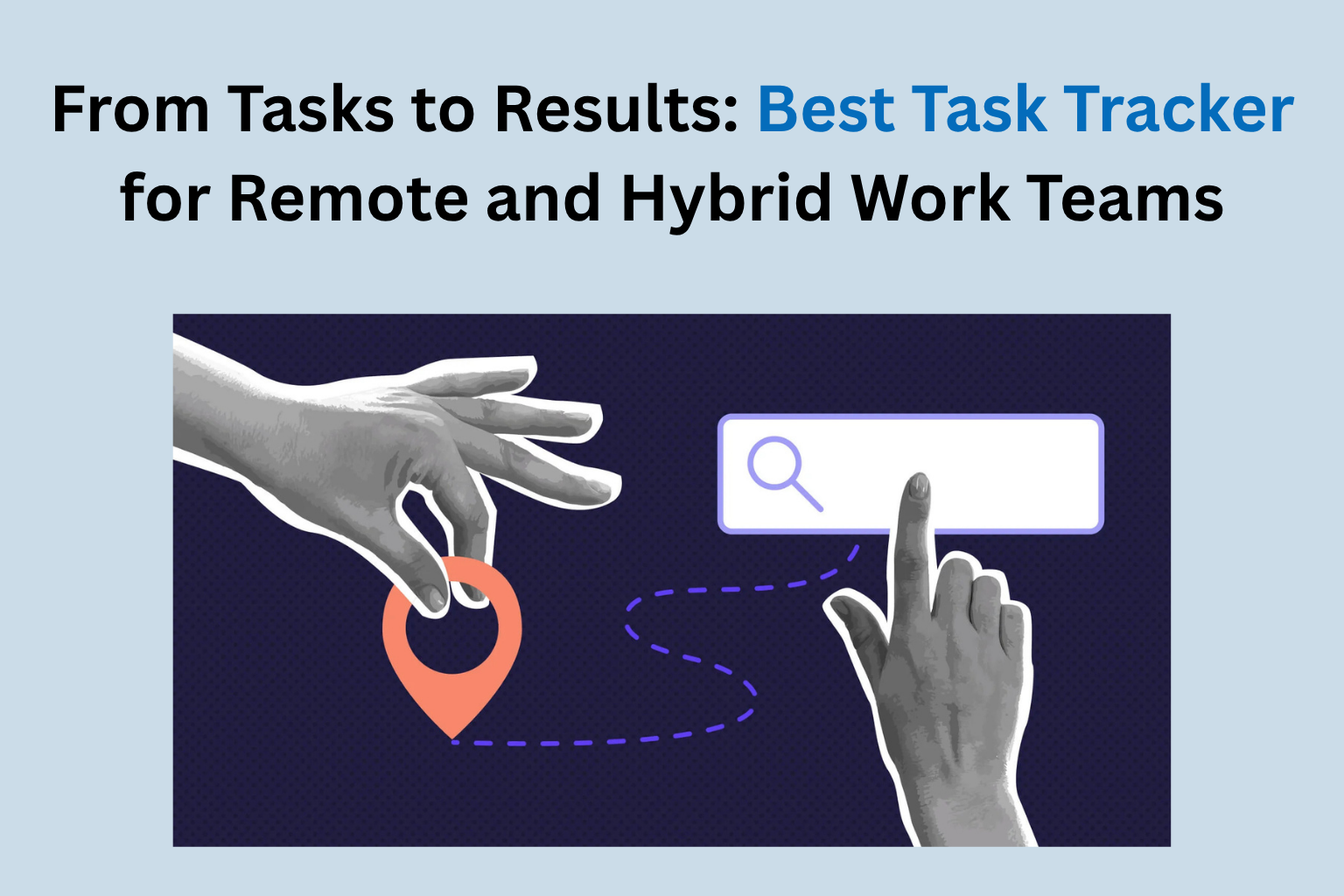
Remote and hybrid teams do not have a communication problem. They have a visibility problem. Everyone is talking. Meetings happen. Updates get shared. And somehow, at the end of the week, three things that were supposed to be done are half-done, one person thought someone else owned a task nobody claimed, and the manager is piecing together what actually happened from a trail of messages across four platforms. A task tracker app does not fix culture. It fixes the structural gap that lets accountability disappear in distributed work.
The Real Reason Hybrid Teams Underdeliver
Walk into any mid-sized company that made the shift to hybrid work in the last three years. Ask the senior leadership one question: do you have full confidence that your teams are delivering what they commit to, when they commit to it?
The honest answer, almost universally, is no.
Not because the people are wrong. Not because remote work is inherently less productive, the research does not support that conclusion. The problem is structural. Hybrid teams operate across a fundamental visibility gap that office-based teams paper over with proximity. When your manager sits next to you, accountability is ambient. You do not need a system because the system is the office itself.
Remove the office and the ambient accountability disappears with it. What remains is a collection of individuals, each working hard in their own context, with no shared operational picture of what is happening, what is behind, and what needs immediate attention.
A task tracker app is not a surveillance tool. It is a shared operational picture. That distinction matters enormously for how teams adopt it and what they get from it.
ClickTask by Aditi Tracking was built from this understanding. Not as a productivity monitor that reports how many hours employees logged. As an operational tool that connects task assignment to task completion with GPS-verified location context, built specifically for teams that work across offices, client sites, and field locations simultaneously.
Why Most Task Management Tools Fail Distributed Teams
The Feature Trap
There is a category of task management software that competes on features. Gantt charts. Kanban boards. Dependency mapping. Timeline views. Automation rules. Integration libraries.
These tools are genuinely impressive in demonstrations. They are also, frequently, abandoned within 90 days of deployment.
The reason is consistent: complexity that serves the tool’s architecture rather than the team’s workflow. A field sales executive in Nagpur does not need a dependency-mapped Gantt view of the quarter’s objectives. They need to know what they are doing today, confirm when they have done it, and flag when something is blocking them. Everything beyond that is friction.
Friction kills adoption. Adoption is the only thing that makes a task tracker app valuable.
The Location Gap in Remote Task Management
Most task management platforms are built for knowledge workers at desks. They assume the work happens digitally, a document completed, a code review submitted, a design file uploaded. Completion is a status change in the tool.
This model breaks immediately for hybrid teams that include any form of field work. A service technician who completed a site inspection. A sales executive who visited three clients. A delivery team that covered twelve stops. Their work happens in physical locations, and a digital status change tells the manager nothing about whether the work was actually done where and when it was supposed to be.
ClickTask closes this gap by layering GPS-verified location data onto task completion. When a field team member marks a task complete, the system logs the GPS coordinates and timestamp alongside the completion status. The manager does not need to call. Does not need to chase a photo proof. The location data is the verification.
What a Task Tracker App Looks Like When It Actually Works
Assignment That Travels With the Task
In most distributed teams, task assignment happens in one tool and the context lives somewhere else. The task says “visit client site and complete inspection.” The inspection checklist is in a shared drive. The client address is in an email. The previous visit notes are in a WhatsApp message from three weeks ago.
The field executive pieces this together before every visit. Every. Single. Time.
ClickTask assigns tasks with all context attached: location, instructions, reference documents, and previous task history for that client or site. The field executive opens one interface. Everything they need is there.
This is not a minor convenience. It is the difference between a team that arrives prepared and a team that arrives and then figures out what prepared looks like.
Completion That Closes the Loop Immediately
Here is the operational cost of delayed task reporting that most managers never calculate: every hour between task completion and manager awareness is an hour in which the next decision cannot be made.
A service team completes a site assessment. The manager finds out at the end-of-day call. The follow-up action that could have been assigned at 11 AM gets assigned at 6 PM. The client waits an extra day for a response that was ready at 11 AM.
With a task tracker app like ClickTask, completion is instant. The field executive marks the task done. The manager’s dashboard updates in real time. The follow-up action is assigned within minutes, not hours.
Multiply this across a team of 20 field executives completing five tasks each per day, and the compounded operational efficiency becomes significant within weeks.
Escalation That Happens Before the Deadline, Not After
Most task management tools handle missed deadlines by recording them. The task turns red. The report shows it was late. The retrospective covers it.
ClickTask handles approaching deadlines by alerting before they are missed. When a task is overdue or when a field executive has not checked in from an assigned location within the expected window, the manager receives an alert. Not a report at the end of the week. An alert in real time.
The difference between recording a failure and preventing one is the difference between administration and management.
Building a Hybrid Team That Delivers: The Three Operational Shifts
Implementing a task tracker app is not enough on its own. Three operational shifts need to happen alongside the tool for results to actually improve.
Shift One: From Status Meetings to Status Data
Most hybrid teams run weekly status meetings that exist primarily because nobody has a reliable alternative source of operational truth. The meeting is where the manager finds out what happened last week.
When ClickTask is running correctly, the manager already knows what happened last week. The meeting shifts from information gathering to decision making. That is a qualitatively different use of everyone’s time.
This shift requires intentional management. Managers who are accustomed to learning through meetings need to build the habit of checking the dashboard before the meeting. The tool provides the information. The manager has to choose to use it.
Shift Two: From Output Reporting to Outcome Tracking
A task tracker app records outputs: tasks completed, visits made, inspections done. This is valuable. It is not sufficient.
The second shift is connecting task completion to outcomes. Did the client visit result in a follow-up appointment? Did the site inspection surface an issue that was resolved? ClickTask allows managers to attach outcome fields to task templates, so completion is not just recorded, but contextualized.
Teams that make this shift stop measuring how busy their people are and start measuring how effective they are. Busy and effective are not the same thing. A task tracker app that only measures the former is a more sophisticated version of a to-do list.
Shift Three: From Individual Accountability to Team Visibility
The final shift is the most culturally significant. Individual accountability, who completed what, is the floor of what task tracking enables. Team visibility, how the whole operation is moving, where bottlenecks are forming, which clients or locations are consistently generating task overruns, is the ceiling.
ClickTask’s analytics layer surfaces patterns across the team, not just individual completion rates. A manager who sees that three field executives consistently underperform on afternoon tasks in a particular territory is looking at a routing problem or a workload distribution problem, not a people problem. That distinction changes the intervention entirely.
The Aditi Tracking Principle Behind ClickTask
Aditi Tracking has spent over a decade building tracking infrastructure that changes how operations are managed across Indian businesses. The insight behind every product, from fleet management to CommutePulse to ClickTask, is the same.
Visibility is not about monitoring people. It is about giving managers the information their judgment was always capable of acting on.
A task tracker app that is built around this principle does not create a surveillance culture. It creates an operational culture where expectations are clear, completions are verified, and the gap between what was planned and what actually happened is narrow, because the system makes the gap visible before it widens.
Hybrid work is not going away. The teams that succeed in it will not be the ones with the most talented people or the most generous remote work policies. They will be the ones that built operational systems that make distributed accountability as natural as proximity once made it.
ClickTask is that system for field and hybrid teams. Results follow visibility. Always.
 Fleet Management
 Cool Bus
 Clicktask
 CommutePulse
 Wastetrail