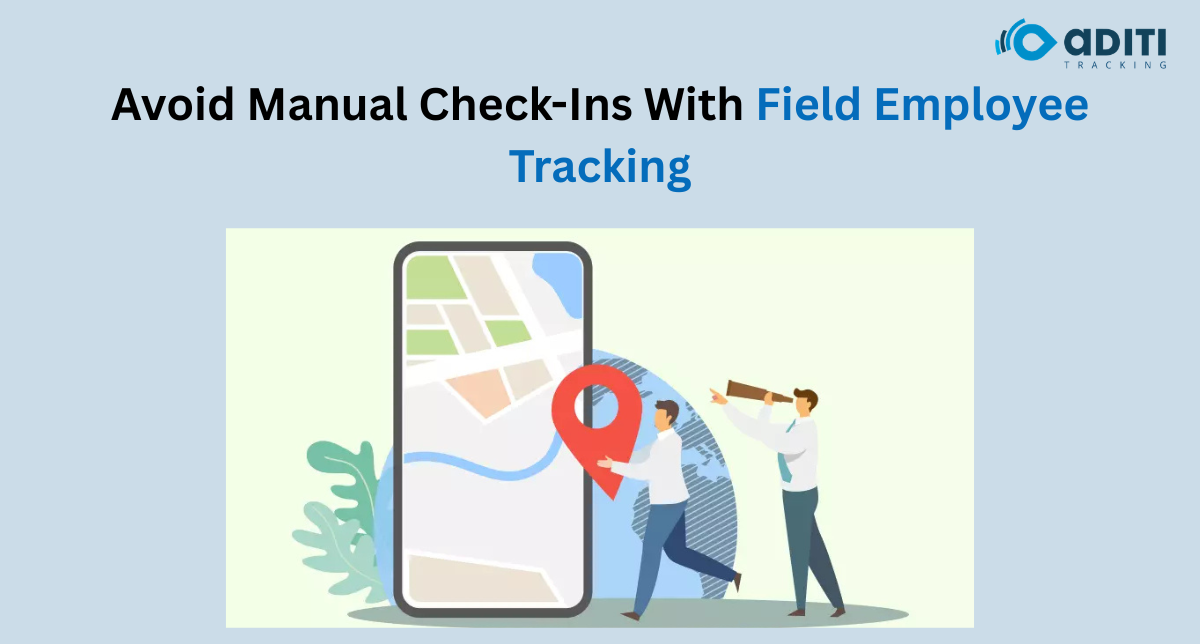
The morning call ritual is so common in field operations that most managers do not even question it anymore. Ring the executive. Ask where they are. Note it down. Move on. Repeat this across fifteen people. By the time the round is done, thirty minutes have disappeared, and the manager still does not have anything they can act on. That is the real cost of manual field employee tracking – not just the time it takes, but everything that does not get done because of it.
Why Manual Check-Ins Keep Failing
Manual systems survive in field operations for one reason: they are familiar. The manager knows how to run them, the team knows what is expected, and nobody has to learn anything new.
But familiarity is not the same as functional.
Three problems show up consistently in organisations still running manual check-ins:
- Accuracy gaps – A field executive calling in from a client location is self-reporting. There is no verification. Whether they are actually at the site, nearby, or somewhere else entirely is impossible to confirm without a system.
- Reporting lag – By the time the manager collects status from ten people, compiles it, and shares it upward, the information is already stale. Decisions get made on yesterday’s picture.
- Manager bandwidth drain – Someone has to make those calls, field the replies, and track exceptions. In most companies, that is a senior person. That is an expensive use of time.
None of this is a people problem. It is a process problem. And process problems respond well to the right systems.
What Field Teams Actually Need Visibility Over
Before picking a solution, it helps to be clear about what field employee tracking is actually meant to solve. The answer varies by industry, but the core requirements tend to cluster around the same four things.
Location accuracy in real time. Not a check-in from 9 AM is still sitting on the dashboard at noon. A live view of where each field executive is, updated continuously, so the manager can allocate, reroute, or respond without a phone call.
Task and visit logging without manual entry. The executive reaches a client site. The system logs arrival. The visit duration is recorded. The departure is noted. None of this requires the executive to stop, open a form, and type. The less manual intervention required, the more accurate and consistent the data.
Exception alerts that surface without asking. If an executive has not reached a scheduled site within the expected window, the manager should know automatically – not after calling and waiting for a reply. Good field employee tracking surfaces exceptions before they become problems.
Consolidated reporting that does not need assembly. End-of-day reports that compile themselves. Visit counts, distance covered, tasks completed, and time at each location. This data exists in every field operation. The question is whether it gets captured usefully or lost in a pile of WhatsApp messages.
The Real Productivity Loss Nobody Measures
Here is something worth thinking about.
Most companies measure field productivity by outcomes: leads generated, deliveries completed, client visits done. What they rarely measure is the overhead built into managing the process of tracking those outcomes.
Coordinator time spent collecting updates. Manager time spent on verification calls. Admin time spent stitching together location data from multiple sources into a single report. That overhead is real, it recurs daily, and in most mid-size field operations, it adds up to a meaningful number of person-hours per week.
Reducing that overhead is not a soft benefit. It is a direct cost saving, and it compounds.
A field team that spends less time on check-in rituals spends more time in front of clients. A manager with a live dashboard makes faster decisions. A reporting cycle that runs automatically takes less time to review and act on.
The shift from manual to system-driven field employee tracking does not just change how you track people. It changes how the entire field operation runs.
Clicktask Handles This So Your Team Does Not Have To
Aditi Tracking’s ClickTask is designed for exactly the kind of field operations described above – distributed teams, variable schedules, and managers who need clarity without spending their day on coordination calls. If your organisation is still running field tracking manually, ClickTask is worth a closer look at what structured visibility can do for your team’s output.
FAQs
1. What is a field employee tracking system?
A field employee tracking system is a software solution that helps businesses monitor field staff locations, task completion, attendance, visit history, and movement in real time through GPS-enabled tracking tools.
2. Why are manual employee check-ins inefficient for field teams?
Manual check-ins consume manager time, create reporting delays, depend on self-reported updates, and make it difficult to verify whether employees have actually reached assigned locations.
3. How does automated field employee tracking improve productivity?
Automated tracking reduces coordination calls, enables real-time visibility, simplifies reporting, and allows managers to make faster decisions based on live operational data.
4. What features should businesses look for in field employee tracking software?
Businesses should look for live GPS tracking, automatic visit logging, task monitoring, route visibility, exception alerts, attendance management, and automated reporting dashboards.
5. Which industries benefit most from field employee tracking systems?
Industries with distributed field teams such as sales, logistics, healthcare, service operations, telecom, FMCG, and facility management benefit significantly from structured employee tracking systems.


 Smart Fleet
 Cool Bus
 Clicktask
 CommutePulse
 Wastetrail